Better supplied lines
Replenishment priorities are visible to stores and internal logistics zones.


PROTECH WMS · MES scope
Structure exchanges between production requirements, physical movements, declarations and traceability without confusing WMS and MES roles.
The right item reaches the right station while each system retains the responsibility it was designed to carry.
The operational journey
Explore each stage: actions, information and expected evidence stay connected in the same business record.
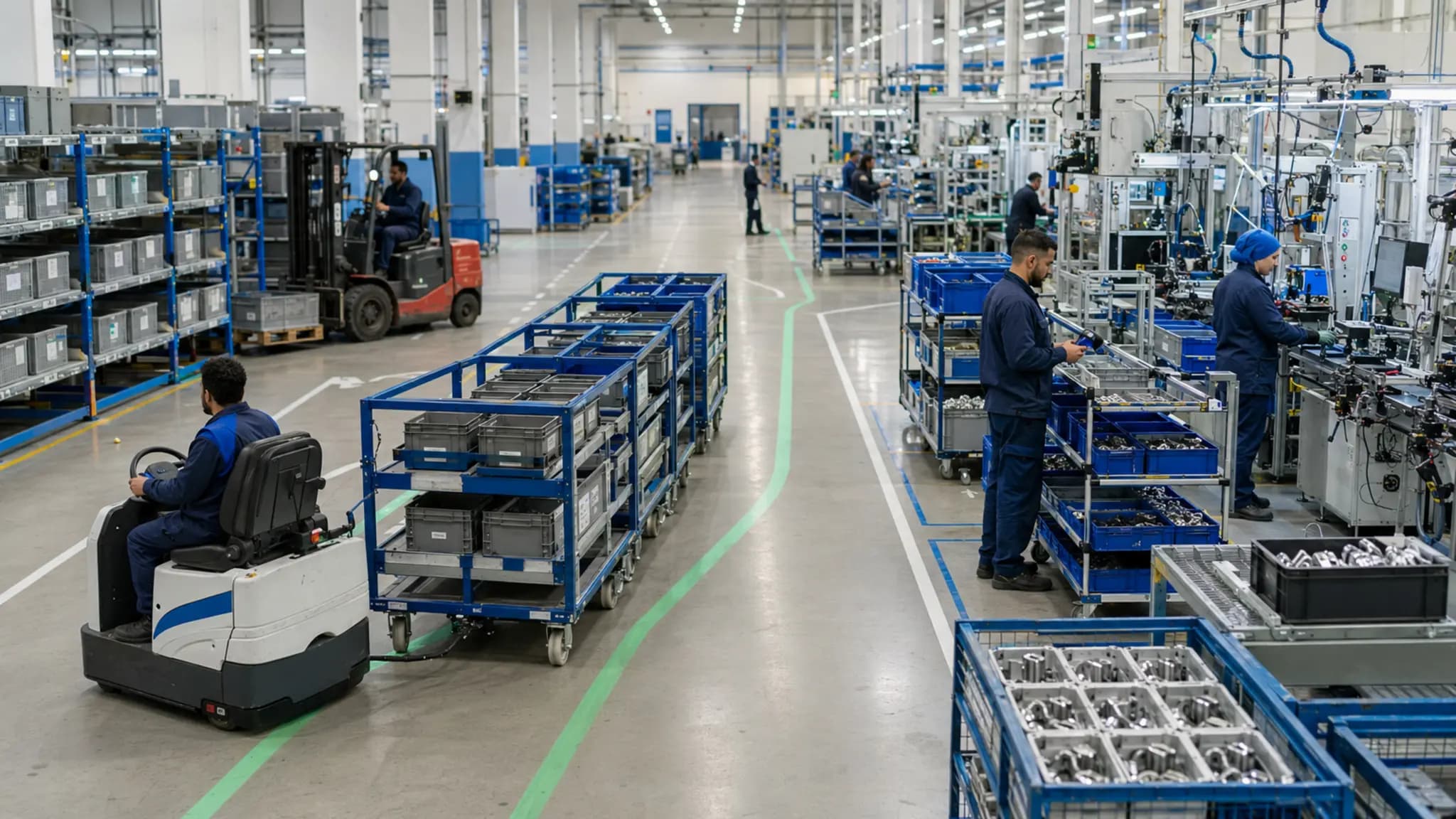 Requirements linked to orders
Stage 01 · Request
Receive orders, components, quantities, priorities and workstations from the responsible system.
What the capability changes
Replenishment priorities are visible to stores and internal logistics zones.
Consumption and returns are reconciled with real execution.
ERP, MES and WMS exchange data without duplicating core functions.
Integration by design
The systems shown describe exchanges to assess; they are not a list of native connectors. Data contracts and responsibilities are approved during scoping.
Scoping questions
The final scope depends on your architecture, responsibilities and required evidence.
No. This page describes integration and flow continuity; the MES scope still has to be confirmed.
Yes, according to the selected call-off, picking, confirmation, consumption and return rules.
Start from your context
Navigator prepares the diagnostic. A B‑AGILE expert then turns the context into a decision path.